· machCon · New Ways of Working · 4 min read
The advantages of Perplexity AI
Perplexity AI combines AI with real-time web search. An overview of its key advantages compared to traditional search engines and AI assistants.
What is Perplexity AI
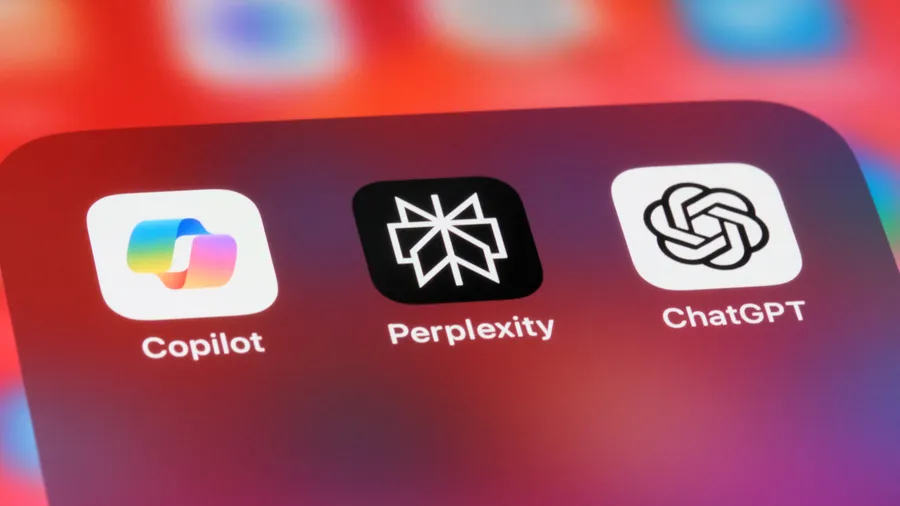
The use of artificial intelligence has become well-established in today’s world and the use of AI search engines is already part of most people’s private and professional lives. Conventional search engines such as Gemini or ChatGPT are based on algorithms that deliver a search result based on the content of web pages. However, Perplexity AI goes one step further and uses advanced AI technologies to provide an even more precise answer to the search query. Perplexity AI is therefore an alternative to traditional search engines and is able to answer questions precisely and accurately. It also works with sources and can therefore substantiate its answers. To use Perplexity AI, you can either use the website in a browser or the app which you can download either in the App Store or Google Play Store. ## The advantages of AI search engines like Perplexity AI
The advantages at a glance: 1. Faster decision-making: Precise answers mean that decisions can be made in less time. 2. Complexity: Perplexity delivers a precise result even for more complex questions, as the most relevant result is analysed from the various sources. 3. Advanced contextual understanding: Perplexity AI understands contextual questions more precisely and thus delivers more relevant results. 4. Intuitive operation: A user-friendly and simple application.
5. Integration of real-time data: Real-time results provide access to the most up-to-date information and offer a clear advantage in the continuous updating of results.
Comparison of Perplexity AI with ChatGPT
ChatGPT can, among other things: - Answering factual questions
Solve logical, mathematical and other problems
Write computer codes and assist with finding errors in codes
Create drafts for emails, social media posts and all kinds of written communication
Identify objects in photos
Create diagrams, tables and graphics
Analyse data from diagrams and tables
Translate texts into different languages
Upload information from uploaded documents
Generate images
Perplexity AI, however: - Focuses on finding and summarising information from the Internet
Provides many sources to support the summarised information
Offers the possibility to select which types of sources should be analysed. E.g. scientific/academic papers, WolframAlpha, YouTube videos or discussions on Reddit
Perplexity AI is therefore the pioneer in the field of research and information gathering. This is because Perplexity AI’s answers to questions are more rounded and based on real sources. ChatGPT’s answers can of course also be useful in information gathering, but ChatGPT is less source-based than Perplexity AI and can therefore tend to speculate in its answers. ChatGPT is therefore less reliable in this area than Perplexity AI. Both AI tools are useful, but we recommend the following: In cases where information needs to be obtained that is above all correct, accurate and up-to-date, Perplexity should primarily be used. In almost all other cases, ChatGPT is generally more suitable as it offers more flexibility and therefore more options. For more information on the use of AI in companies and what should be considered, read our article AI in companies: Opportunities and Challenges regarding Data Protection. ## How to add Perplexity AI as a search engine in Microsoft Edge?
It is possible to add Perplexity AI directly in Microsoft Edge as the default search engine for easier access. Here is a step-by-step guide: 1. Microsoft Edge : start it on your computer
click the three dots on your browser (⁝), to open the menu. Select the option Settings .
Select the section:** Data Protection, Search and Services **.
Scroll to the service area and then select: Address bar and Search.
Click the button: Manage search engines.
To add a new search engine, click on Add in the top right corner.
Now enter the following into the fields: 1. Search engine: Perplexity AI
Shortcut/Link: Search engine
Once these steps have been completed, Perplexity AI is stored as a search engine in Microsoft Edge. **- **